1. Start Video or Audio
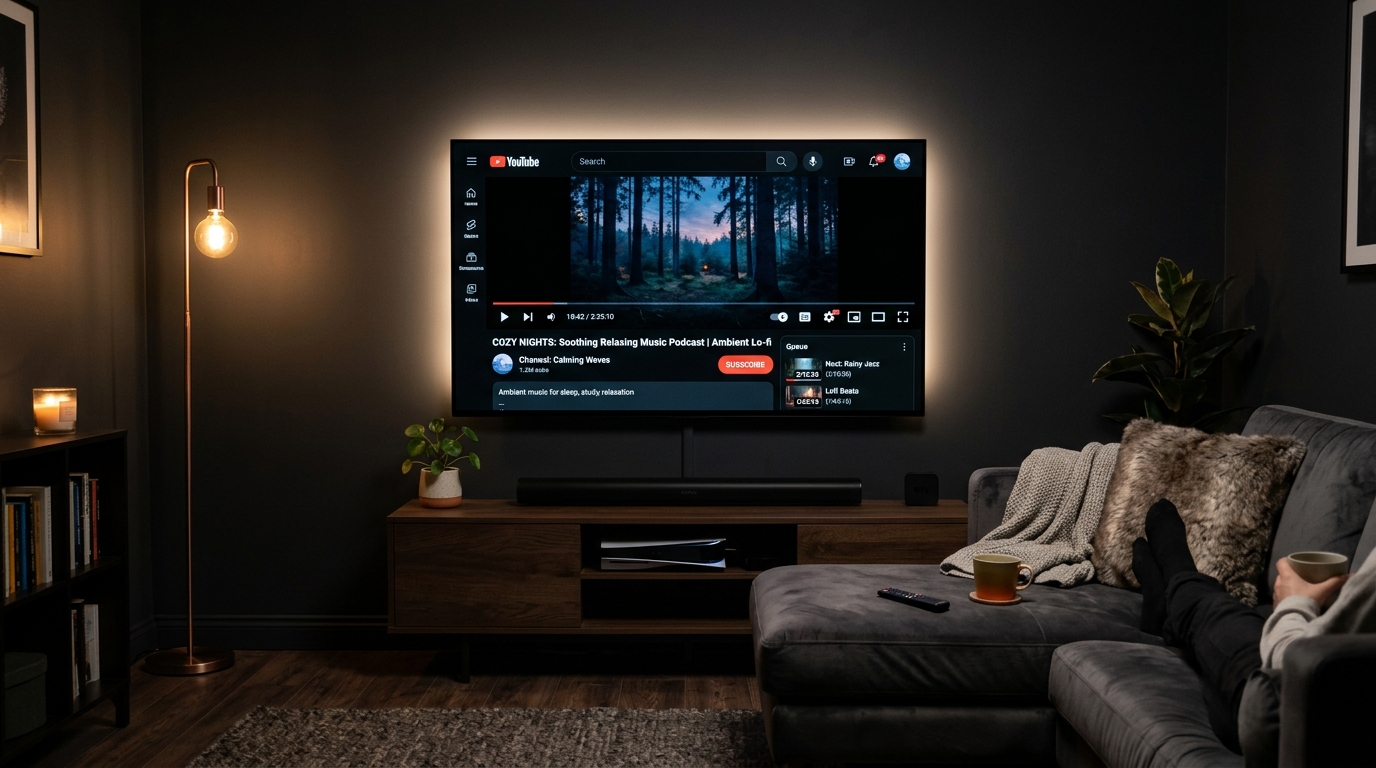
Play YouTube, podcasts, Netflix, Prime Video, or Spotify as usual on your Smart TV.
Double-click the Menu button to turn your display completely black in an instant. Enjoy YouTube videos, podcasts, audiobooks & music without blinding room light.
Ready out of the box with a quick 2x Menu remote double-click
Play YouTube, podcasts, Netflix, Prime Video, or Spotify as usual on your Smart TV.
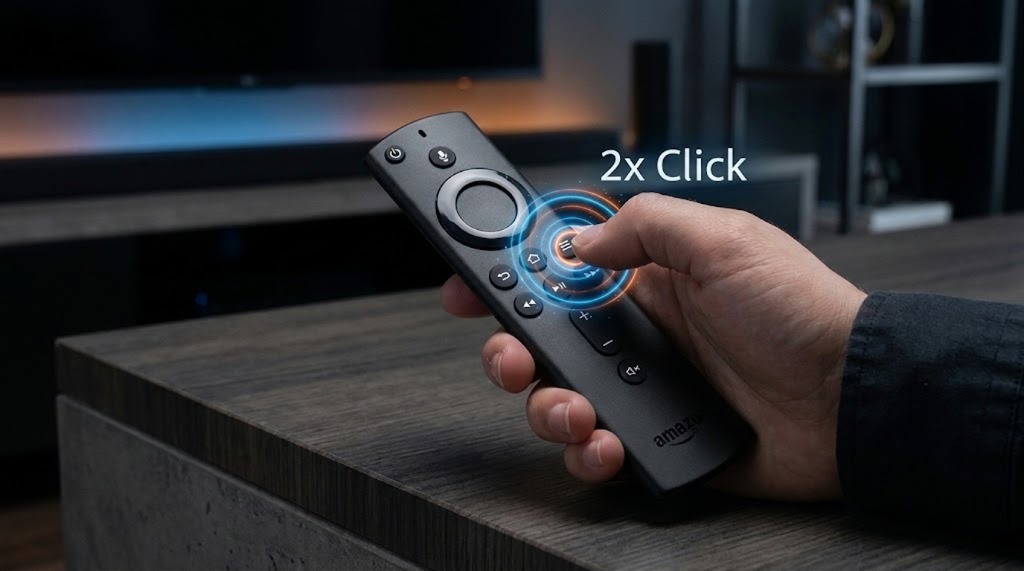
Quickly double-click the Menu button (☰) on your remote. Instant activation, zero TV menus.
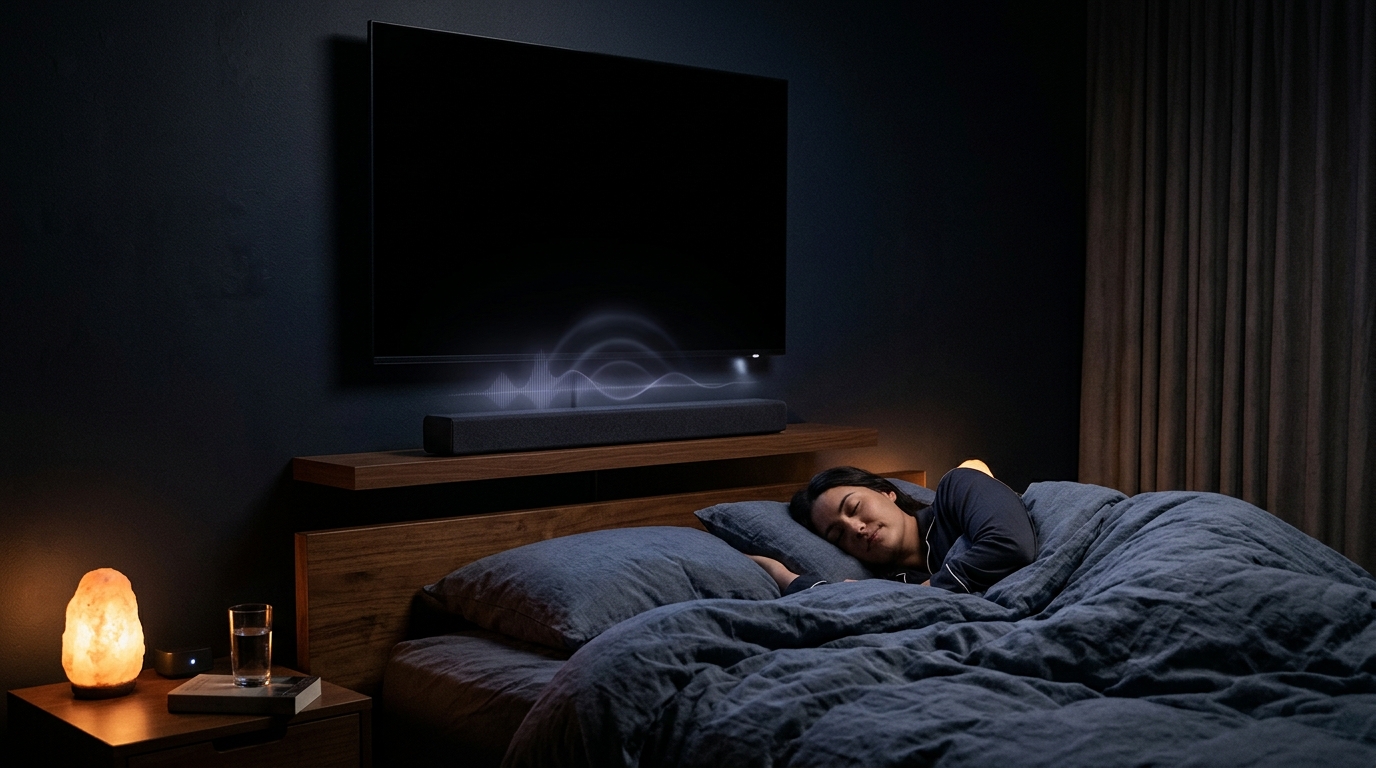
Screen goes pitch black immediately. Your audio continues crystal clear. Fall asleep peacefully!
The essential tool for restful sleep without annoying screen glare.
Pre-configured for a fast double-click (☰). No need to navigate deep TV settings menus.
Works with YouTube, Prime Video, Netflix, Spotify, podcasts, and more. Audio streams uninterrupted.
Screen goes pitch black: Protects panel pixels, prevents static burn-in, and saves real power.
Set a timer from 15 to 120 minutes. Drift off to sleep—your TV shuts down automatically.
Adjust volume and hit Play/Pause without turning on the bright screen. Press Back or OK to wake.
No registration, no accounts, no tracking. All settings remain strictly local on your device.
Technical overview and platform architecture at a glance.
Everything you need to know about SleepScreen TV, compatibility, and setup.
With SleepScreen TV installed, simply press the Menu button (☰) twice quickly on your remote. The screen blacks out instantly while your background app (YouTube, podcasts, Spotify, Netflix) keeps playing without interruption.
SleepScreen TV works with virtually all audio and video streaming apps, including YouTube, Spotify, Amazon Prime Video, Netflix, Disney+, TuneIn Radio, podcasts, and audiobooks. The video stream continues playing in the background while your display is completely dark.
Yes. SleepScreen TV displays true deep black (#000000). On modern OLED and AMOLED displays, black pixels switch off completely, eliminating the risk of static channel logos or progress bars burning in, while noticeably reducing power consumption.
You can adjust volume and toggle Play/Pause directly in total darkness without turning on the bright screen. Pressing Back or OK on the remote wakes the display up immediately.
Open the Amazon Appstore on your Fire TV Stick / Fire TV Cube or the Google Play Store on your Android TV / Google TV and search for „SleepScreenTV“ to install with one click.
You can test the full functionality 100% free for 7 days. If you love it, you can unlock the lifetime license for a single one-time payment of €4.99. There are no recurring subscriptions and no hidden fees.
Test risk-free for 7 days, then unlock permanently with a single one-time purchase.
Pay once, use forever on your Fire TV. No recurring subscription.